
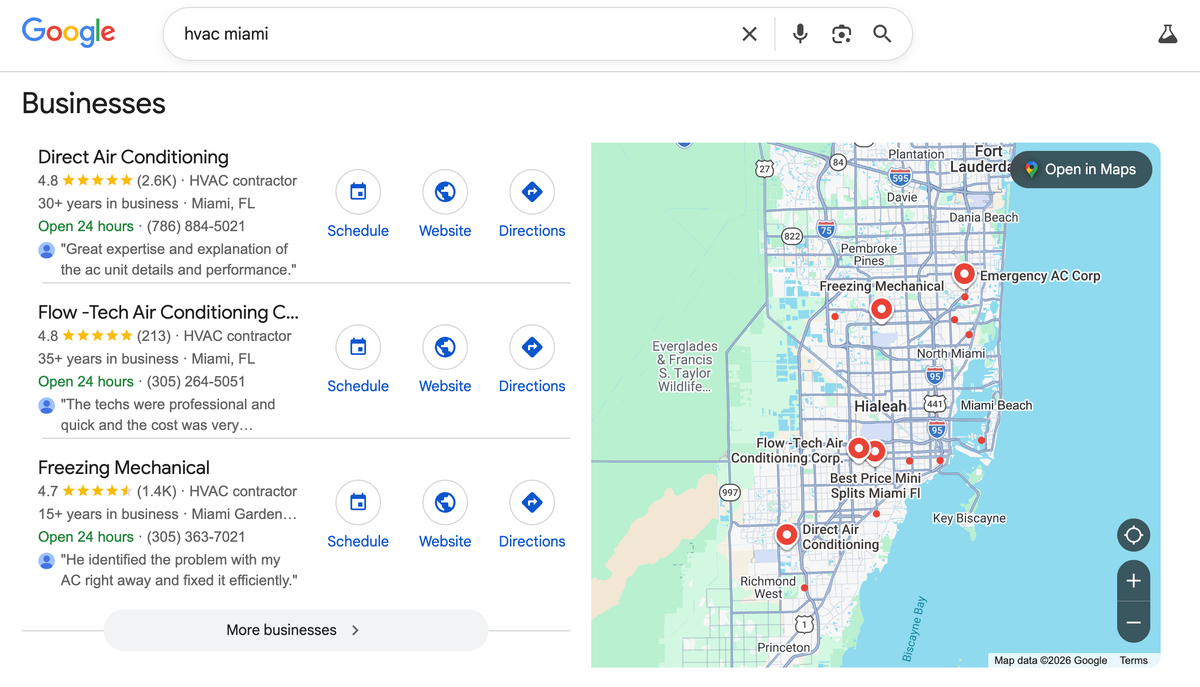
For local businesses and directory sites, Service Area Pages (SAPs) have traditionally been a cornerstone of local SEO strategy. The premise is simple: if a roofing company operates in 50 surrounding towns, creating a dedicated page for each town allows the site to rank for "[Service] in [Town]" queries.
However, as Google's algorithms have evolved, particularly with the rollout of the Helpful Content System and advanced duplicate content detection, the old methodology of copying and pasting the same content and merely swapping out the city name has become a massive liability. Scaling Service Area Pages safely in modern SEO requires a robust, data-driven approach that integrates hyper-local entity data—such as hyper-local weather patterns, state regulations, and real-time operational data—into a highly performant Static Site Generation (SSG) architecture.
This comprehensive guide explores the technical methodologies, API integrations, and architectural patterns required to generate thousands of unique, highly valuable service area pages that dominate local search results without triggering spam filters.
The Problem with Traditional City Pages
Traditional SAPs fail because they lack information gain. If your page for "Roofing in Austin" and "Roofing in Dallas" contain the exact same paragraphs regarding your 10 years of experience, your commitment to quality, and your contact information, the search engine views the second page as redundant. The pages provide no unique value specific to the geographic entity they target.
Furthermore, traditional SAPs are often deployed on legacy runtime platforms like WordPress. Generating 500 city pages on WordPress often involves installing resource-heavy cloning plugins, leading to massive database bloat, slower query execution times, and poor Core Web Vitals, all of which negatively impact crawl budget and rankings.
Incorporating Dynamic Third-Party Data
To make a Service Area Page genuinely helpful and semantically unique, we must programmatically inject data that proves local expertise. This transforms the page from a generic marketing flyer into a highly contextual localized resource.
1. Climatological and Weather Data
For many home service industries (HVAC, roofing, plumbing, landscaping), local weather is the primary driver of service needs. By integrating historical weather APIs (such as NOAA or OpenWeatherMap) into your build pipeline, you can generate content that addresses the specific environmental realities of a given area.
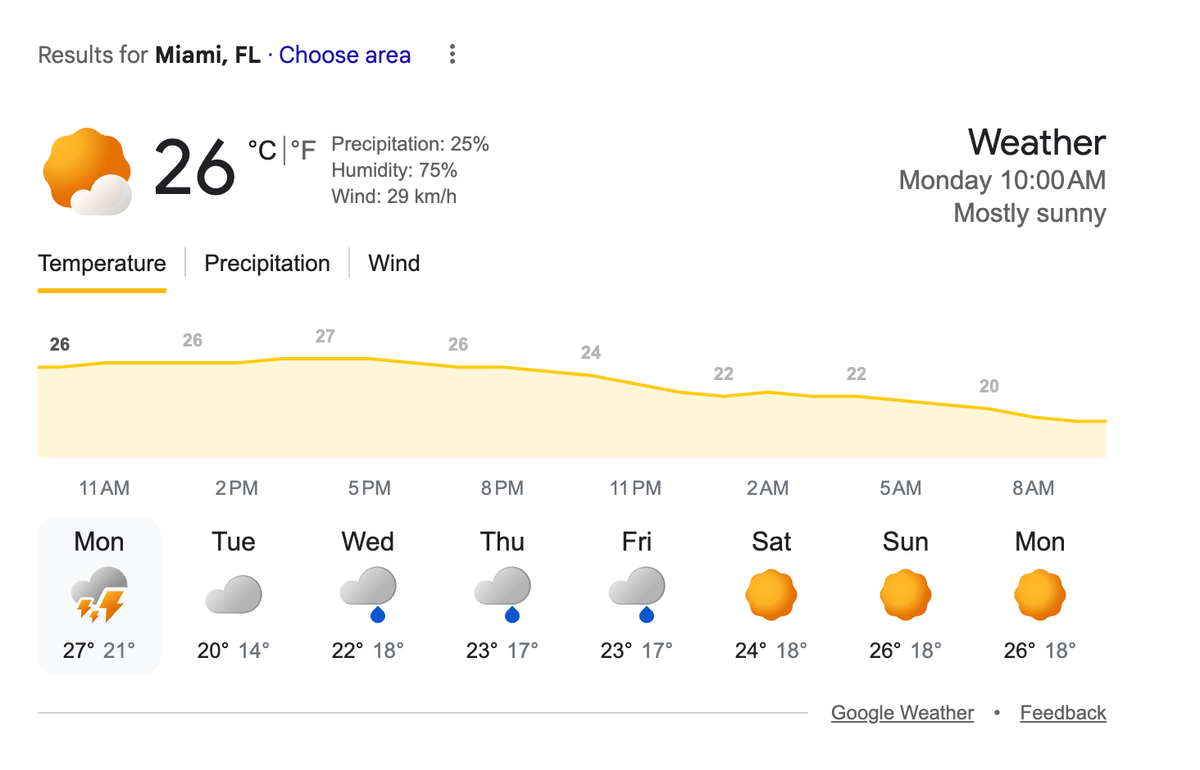
For example, an HVAC page in Miami should programmatically discuss humidity control, salt-air corrosion (if near the coast), and high AC runtime.
The same page template, when applied to Denver, should discuss altitude impacts on heating efficiency, snow-load requirements for external units, and dry-air humidification.
2. State and Local Laws as Content Differentiators
Compliance with local building codes, permit requirements, and state laws is highly variable. A truly authoritative local page will reference these data points.
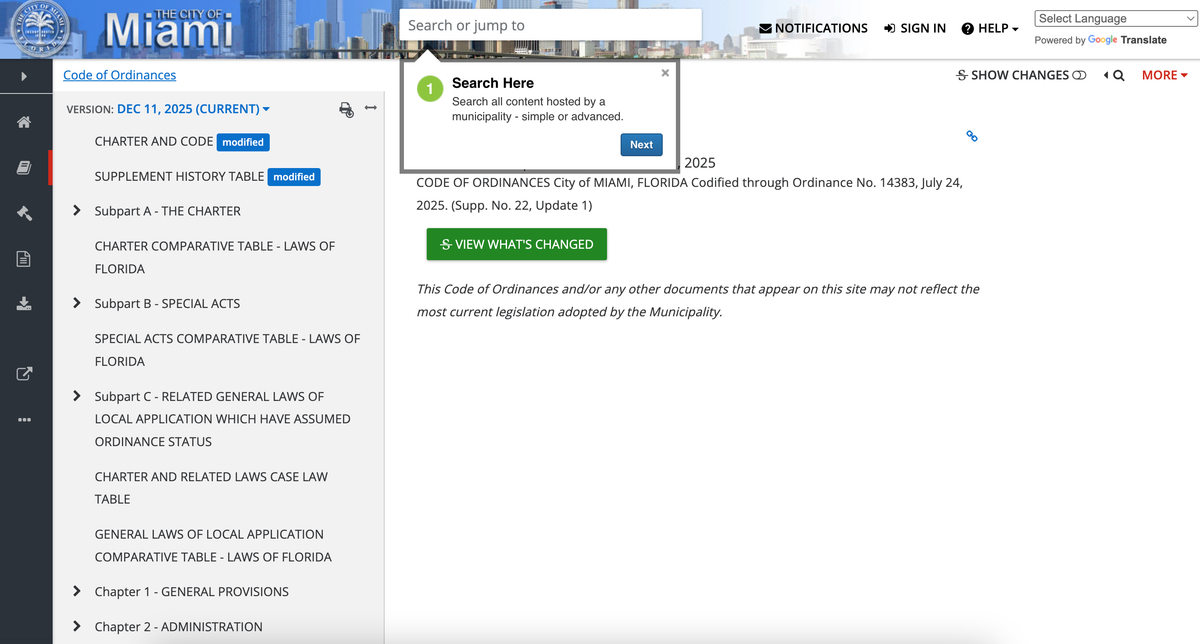
- Plumbing: What are the local codes regarding lead pipe replacement?
- Solar: What are the specific municipal tax rebates available in this zip code?
- Roofing: Does this county require specific hurricane strapping or fire-rated materials?
Ingesting a dataset of municipal regulations and mapping it to your geographic entities ensures that every page provides hard, factual data that generic competitors lack.
Architectural Patterns for Data Ingestion
Scaling this operation requires moving away from manual data entry and embracing a programmatic data pipeline. The optimal architecture involves a headless database, a build-time data ingestion layer, and a Static Site Generator like Next.js or Astro.
The Build-Time Data Pipeline
Unlike Client-Side Rendering (CSR) where data is fetched in the user's browser, or Server-Side Rendering (SSR) where data is fetched on every request, SSG fetches all third-party API data once during the build process. This prevents API rate-limiting issues and ensures the final HTML is instantly available to Googlebot.
// Example: Next.js Build-Time Data Ingestion Script
// scripts/fetch-local-data.ts

import fs from 'fs';
import path from 'path';

async function generateLocationData() {
  const cities = await getTargetCitiesFromDB();

  for (const city of cities) {
    // 1. Fetch Weather Data
    const weatherData = await fetch(`https://api.weather.gov/points/${city.lat},${city.lng}`);

    // 2. Fetch Permit Data from Internal Aggregated DB
    const permitData = await fetchPermitRequirements(city.zipCode);

    // 3. Compile the Entity Object
    const entityData = {
      ...city,
      weatherContext: parseWeatherData(weatherData),
      legalContext: permitData,
      lastUpdated: new Date().toISOString()
    };

    // Write to a local JSON file to be consumed by getStaticProps / generateStaticParams
    fs.writeFileSync(
      path.join(process.cwd(), `data/locations/${city.slug}.json`),
      JSON.stringify(entityData)
    );
  }
}
By decoupling the data fetching from the actual web server, your production site remains incredibly fast and resilient. If an external API goes down, your live website is unaffected; only the build process fails, which can be retried automatically.
SSG vs CSR: Why SSG Wins for Local SEO
When scaling to thousands of pages, the rendering strategy is critical. Single Page Applications (SPAs) built with React or Vue often rely on Client-Side Rendering. In a CSR environment, the initial HTML payload is virtually empty:
<div id="root"></div>
The browser must download the JavaScript, execute it, fetch the local data from an API, and then render the content.
For local SEO, CSR is a disaster. Googlebot utilizes a two-pass indexing system. It first crawls the raw HTML. If the content relies on JavaScript, it goes into a queue for the Web Rendering Service (WRS). This delays indexing significantly, and for large sites, Google may simply abandon rendering deep service area pages to save compute resources.
Static Site Generation pre-renders every single page into raw, semantic HTML at build time. When Googlebot requests /roofing-in-austin-tx, the server responds instantly with a fully populated HTML document, complete with H1s, schema markup, and all dynamic data. This ensures maximum crawl efficiency and immediate indexing.
Code Example: Generating 5,000 Pages Safely
Let's look at how to structure a Next.js App Router page to handle thousands of these data-rich pages safely, utilizing dynamic routing and static generation.
// app/locations/[state]/[city]/page.tsx

import { db } from '@/lib/db';
import { notFound } from 'next/navigation';
import { WeatherWidget } from '@/components/WeatherWidget';
import { LegalRequirements } from '@/components/LegalRequirements';
import { LocalSchema } from '@/components/LocalSchema';

// This function tells Next.js which pages to pre-render at build time
export async function generateStaticParams() {
  const locations = await db.getAllActiveLocations();

  // Generates array of { state: 'tx', city: 'austin' }
  return locations.map((loc) => ({
    state: loc.stateSlug,
    city: loc.citySlug,
  }));
}

export default async function ServiceAreaPage({ params }) {
  // Fetch pre-compiled entity data for this specific route
  const localData = await db.getLocationData(params.state, params.city);

  if (!localData) {
    return notFound(); // Prevents soft 404s
  }

  return (
    <main itemScope itemType="https://schema.org/LocalBusiness">
      <header>
        <h1 itemProp="name">Expert Home Services in {localData.cityName}, {localData.stateCode}</h1>
        <p className="lead">
          Serving the {localData.population.toLocaleString()} residents of {localData.countyName} County
          with locally compliant, weather-resistant solutions.
        </p>
      </header>

      <section aria-labelledby="weather-impact">
        <h2 id="weather-impact">How {localData.climate.type} Weather Affects Your Home</h2>
        <p>
          Properties in {localData.cityName} face an average of {localData.climate.annualRainfall} inches
          of rain annually. Our materials are specifically rated for {localData.climate.windRating} mph winds,
          ensuring durability in local conditions.
        </p>
        <WeatherWidget data={localData.climate} />
      </section>

      <section aria-labelledby="local-compliance">
        <h2 id="local-compliance">{localData.cityName} Permit & Code Requirements</h2>
        <LegalRequirements
          codes={localData.compliance.buildingCodes}
          authority={localData.compliance.municipalAuthority}
        />
      </section>

      {/* Structured Data is critical for local entity resolution */}
      <LocalSchema data={localData} />
    </main>
  );
}
Advanced De-duplication: The "Sparse Data" Problem
When generating 5,000 pages, you will inevitably have cities where your third-party APIs return null. If Austin has rich weather and legal data, but a small rural town like "Buda, TX" returns empty objects, the resulting page will be dangerously thin and risk manual action for thin content.
To scale safely, you must implement conditional build logic:
- Threshold Checks: Before generating the page, assert that the entity has a minimum word count or data completeness score.
- Graceful Fallbacks: If "Buda, TX" lacks sufficient data, do not generate the page. Instead, dynamically route it to the broader "Travis County" page or the "Austin Metro" page, utilizing canonical tags to consolidate link equity.
Conclusion
Scaling Service Area Pages is no longer an exercise in finding the best spinning software; it is a data engineering challenge. By architecting a robust pipeline that ingests, normalizes, and injects hyper-local data—like weather patterns and municipal laws—into a fast, statically generated frontend, businesses can create localized pages that are genuinely helpful to the user and algorithmically bulletproof. Embracing SSG and entity-based data modeling allows you to safely generate thousands of pages that dominate long-tail local search, leaving competitors stuck with legacy, boilerplate WordPress templates far behind.