
If you run more than one Grok Bot, weekly usage adds up fast. Every chat, every teammate turn, and every scheduled routine spends from the same weekly pool — including a routine that wakes up only to say nothing changed. When you hit that ceiling, it is tempting to wait on Lessons to make the system smarter. You do not need that feature to keep improving. Write the operating system down, and stop spending bot turns on work that should not live in a chat.
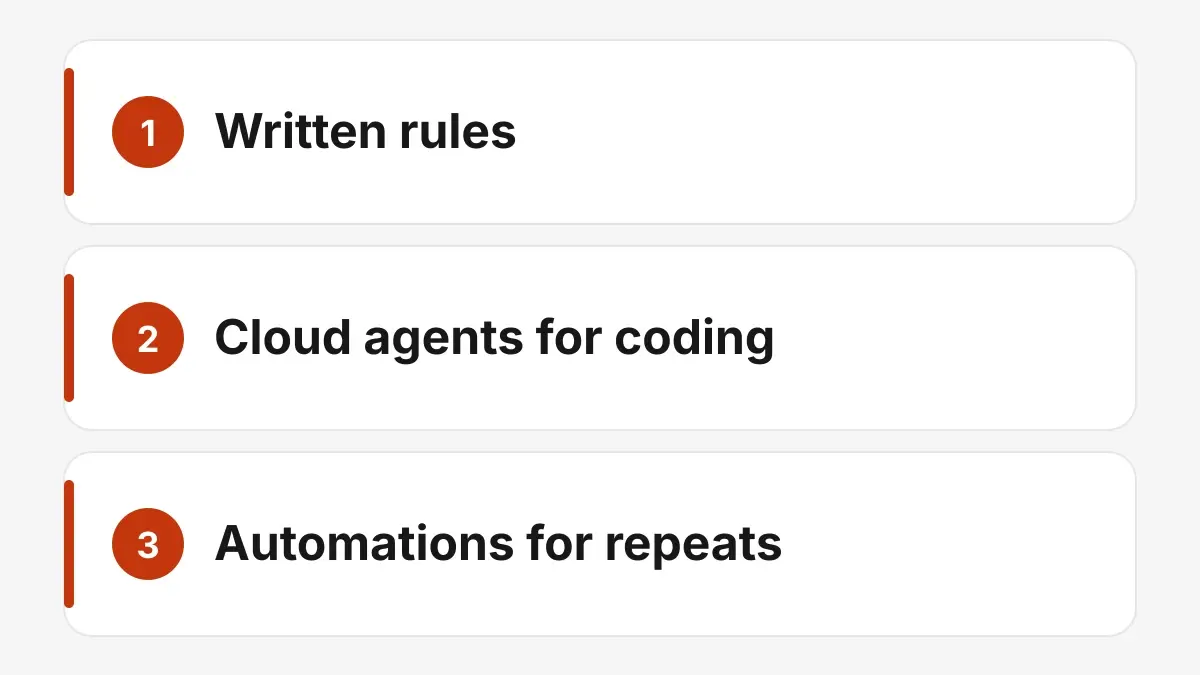
Written rules hold how the team works. Cloud agents take the coding. Automations take the repeats.
1. Make written rules the source of truth
Give each bot a clear profile: what it owns, what it must never do, and what “done” looks like. Keep that profile where the next run can read it, instead of reconstructing it from an old chat.
Keep shared rules in a folder the whole team can read — who reviews what, when to hand off, what needs a human yes. The folder is what everyone opens, so a handoff does not depend on who remembers the chat.
Save repeatable procedures as skills, and write down what you actually learned in ops notes. A skill is the procedure you will run again. An ops note is what the last run taught you. That stack stays readable after a busy week. Lessons can help, but they are not the place to store how your team works.
2. Do not use Grok Bot turns for coding
Repo work — opening a pull request, fixing a page, checking a deploy — belongs in Cursor cloud agents. Those are file steps. They do not need a conversation.
Your Grok Bot teammate should write the brief, launch the coding agent, and review the result. The brief names the change and what “done” looks like. The launch hands that brief to the cloud agent. The review checks the result against the brief. It should not burn conversation turns stepping through files. The bot stays the orchestrator. The cloud agent does the repo work.
3. Move repetitive jobs out of Grok Bot
Anything that runs on a schedule and often finds nothing new is a poor fit for a bot wake. Put those checks in a script, a Cursor cloud automation, or an external cron (we use tools like n8n for some of this). The job can still read a queue or a folder and take action. It just does not open a Grok Bot turn to do it.
4. Let the queue launch itself
A concrete example from our shop: weekday fix-queue waves at 6 AM, 11 AM, and 4 PM Eastern. An outside Cursor cloud automation reads the queue and launches the work. Our engineering teammate does not need to wake up just to press go. The teammate still owns the queue. The automation only starts it.
If you have a recurring “check this list and launch what’s ready” habit, that is the first job to pull out of the bot.
5. Stay quiet when nothing changed
Mechanical checks should report only when something is new or blocked. A scheduled bot that checks a status and replies “all clear” still spent the turn. Scripts and outside automations can exit silently. Apply the same rule to any Grok Bot routine you keep: if the useful outcome is “no change,” it should not talk. Save the message for a change or a blocker someone needs to see.
6. Spend the remaining turns on judgment
Rules and automations cover the work that already has a next step. Use the usage you still spend inside Grok Bot on briefs, reviews, decisions, and writing that needs a point of view.
One owner per job, one handoff with context and success criteria, no extra “just checking in” pings. That is how a multi-bot setup keeps getting sharper after you leave Lessons out of the critical path.
If you are hitting Grok Bot limits, start here. Write the rules down, send coding to cloud agents, and move the repetitive launches outside the chat. The team gets better because the system is written down — not because a feature remembered it for you.
For the longer versions of two of these layers, see these posts on Aipress.io: rules instead of just prompts and Cursor agents, rules, and skills.