
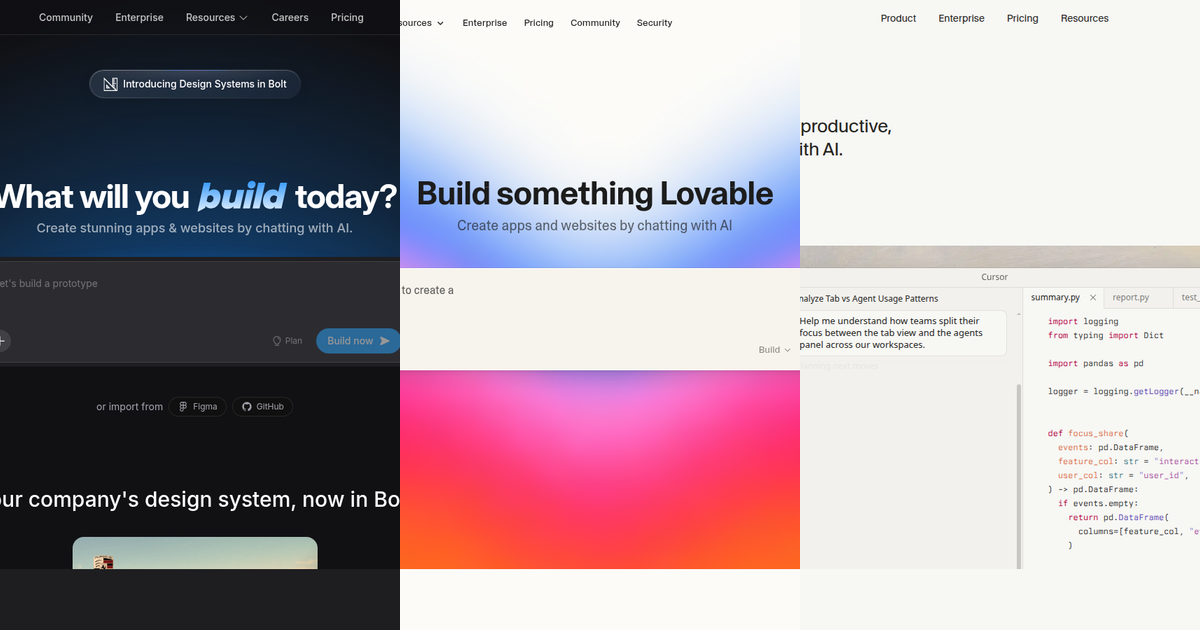
AI coding has split into two religions.
On one side, you have the browser-first builders like Bolt.new and Lovable. You type a prompt, watch the UI assemble in front of you, and deploy with a click. On the other side, you have the IDE-first powerhouses like Cursor. You bring your own repository, your own terminal, and use AI agents to mutate complex codebases.
All three use state-of-the-art models (like Claude 3.5 Sonnet and GPT-4o) to help you ship software faster. But if you pick the wrong tool for your specific goal—especially if you're building a production site where technical SEO and scalability matter—you'll end up fighting the tool instead of writing code.
This guide compares them on workflow, export quality, fit for production sites, and what you are actually buying when you open their pricing pages.
Quick comparison: at a glance
| Feature | Bolt.new | Lovable | Cursor |
|---|---|---|---|
| Primary surface | In-browser builder (StackBlitz) | In-browser app builder | Desktop code editor (VS Code fork) |
| Sweet spot | Fast prototypes, modern web stacks | Product-style builds, SaaS MVPs | Large codebases, refactors, team workflows |
| Code ownership | Export to GitHub, full local Vite/Next.js stack | Builder-led flow, Supabase integrations | Full local repo; you choose host and CI |
| Context window | Limited to the browser container | Limited to the generated app | Full codebase indexing + retrieval |
| SEO control | Manual (depends on exported framework) | Manual (depends on exported framework) | Total control (edit layout.tsx, metadata) |
Use this table as orientation, then read the sections below for the spicy tradeoffs that actually matter once you leave the demo phase.
Bolt.new: in-browser speed from StackBlitz
Bolt.new pairs a web-based development environment (powered by WebContainers) with AI that can generate and edit a project in place. For founders and teams who want zero local setup and a shareable preview in minutes, that combination is the main draw.
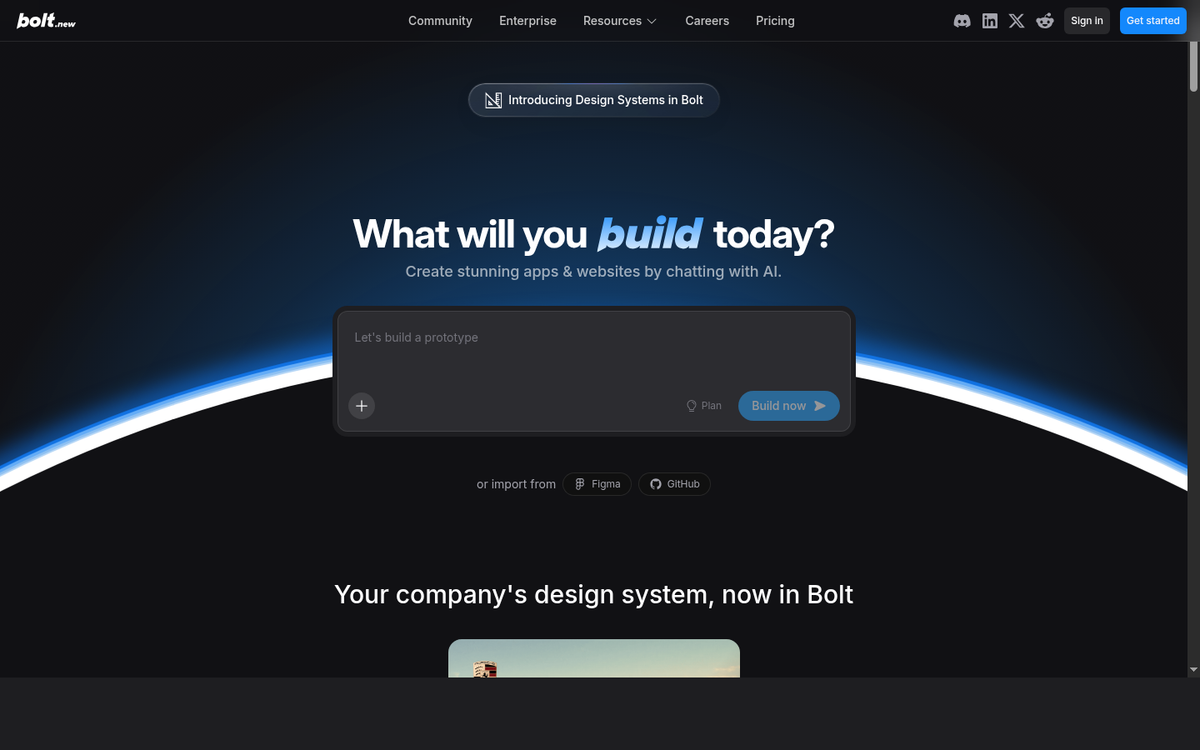
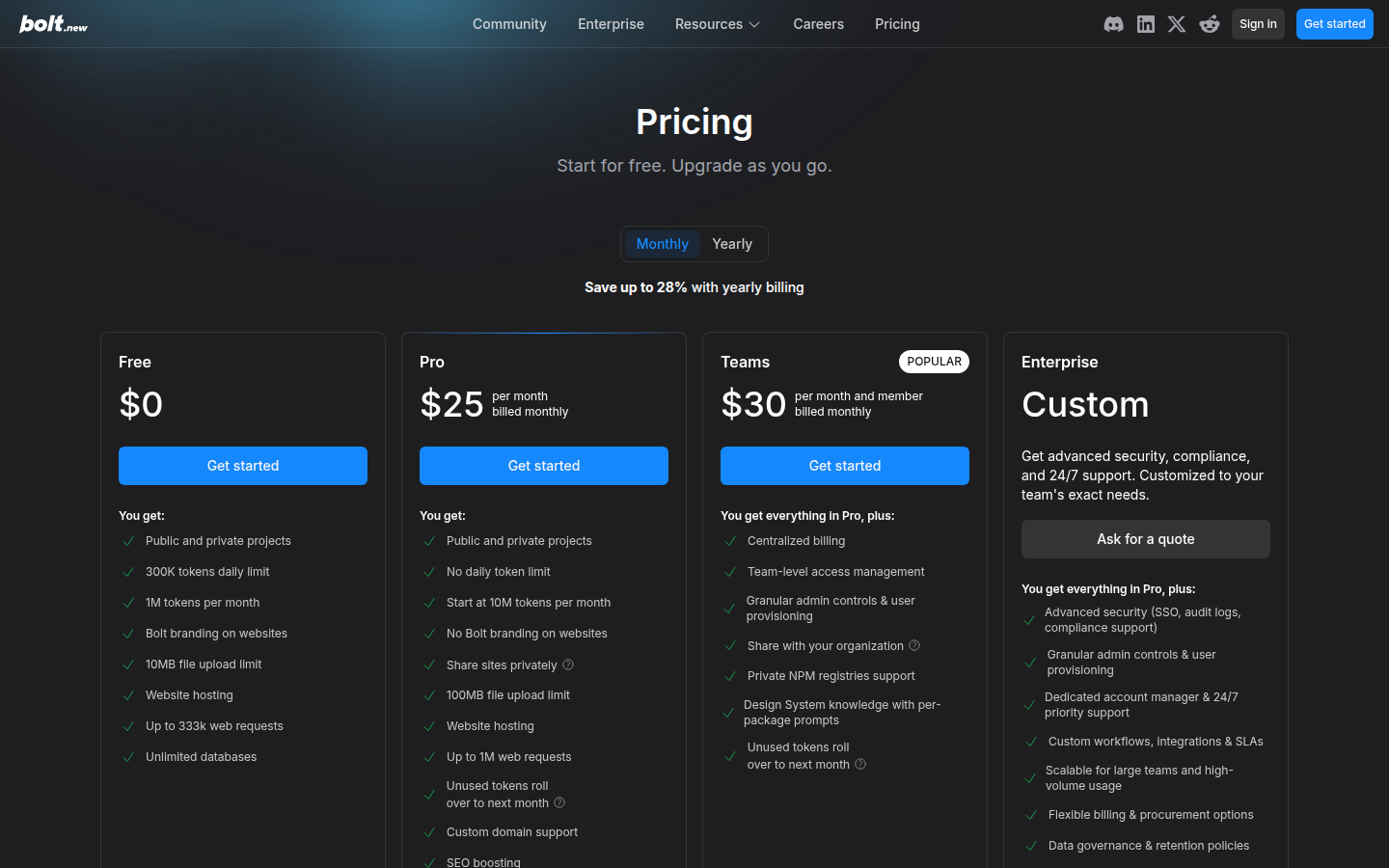
What the screenshots show (April 2026 captures)
The homepage emphasizes the builder experience and getting to a running app quickly:
The pricing page spells out plans and token framing (always verify current numbers on bolt.new/pricing):
The spicy reality: When Bolt.new wins
- You need a convincing demo or landing experience today, before you invest in a local toolchain.
- You want a real, modern stack (like Vite, React, Remix, or Next.js) running fully in the browser.
- You want the AI working inside a full dev environment in the tab—so it can install npm packages and run terminal commands—not just spitting out code snippets in a chat window.
SEO and production realism
Bolt is fantastic for generating standard React components, but technical SEO at scale isn't magically solved by AI. You still depend on how you implement routing, metadata, and SSR in the stack you choose after export. Treat Bolt as an accelerator for application UI, not a substitute for canonical rules, structured data (JSON-LD), and crawl paths you define in code.
Export quality: Excellent. It's just a standard Node project. You can clone it locally and run npm run dev with zero proprietary magic.
Lovable: product-shaped building in the browser
While Bolt feels like an IDE squeezed into a browser, Lovable targets teams that want to move from an idea to a polished product surface without caring about the underlying local tooling. The product narrative leans on iterative, visual building with AI assistance rather than "clone the repo and run pnpm install."
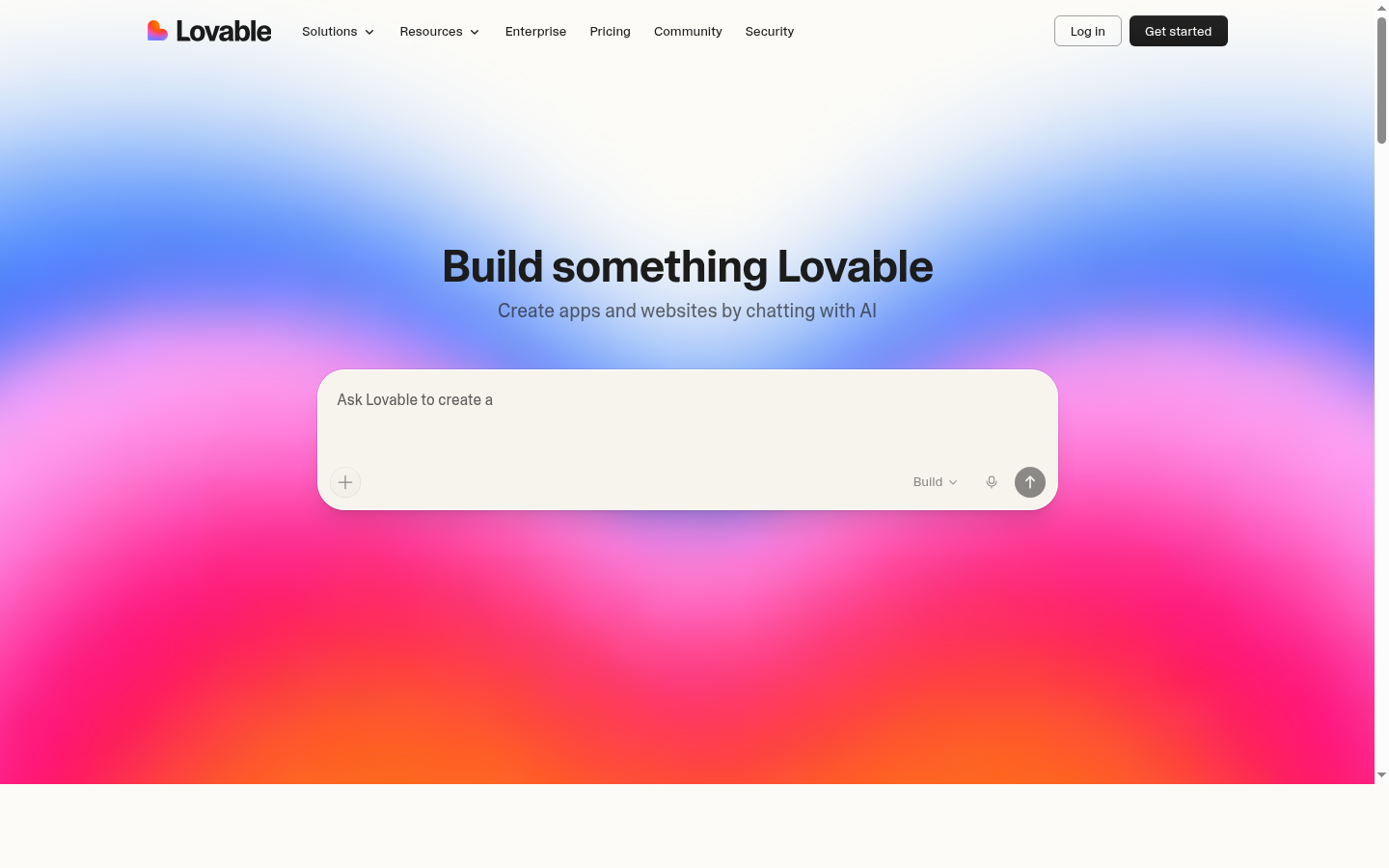
What the screenshots show
Homepage positioning (capture from lovable.dev):
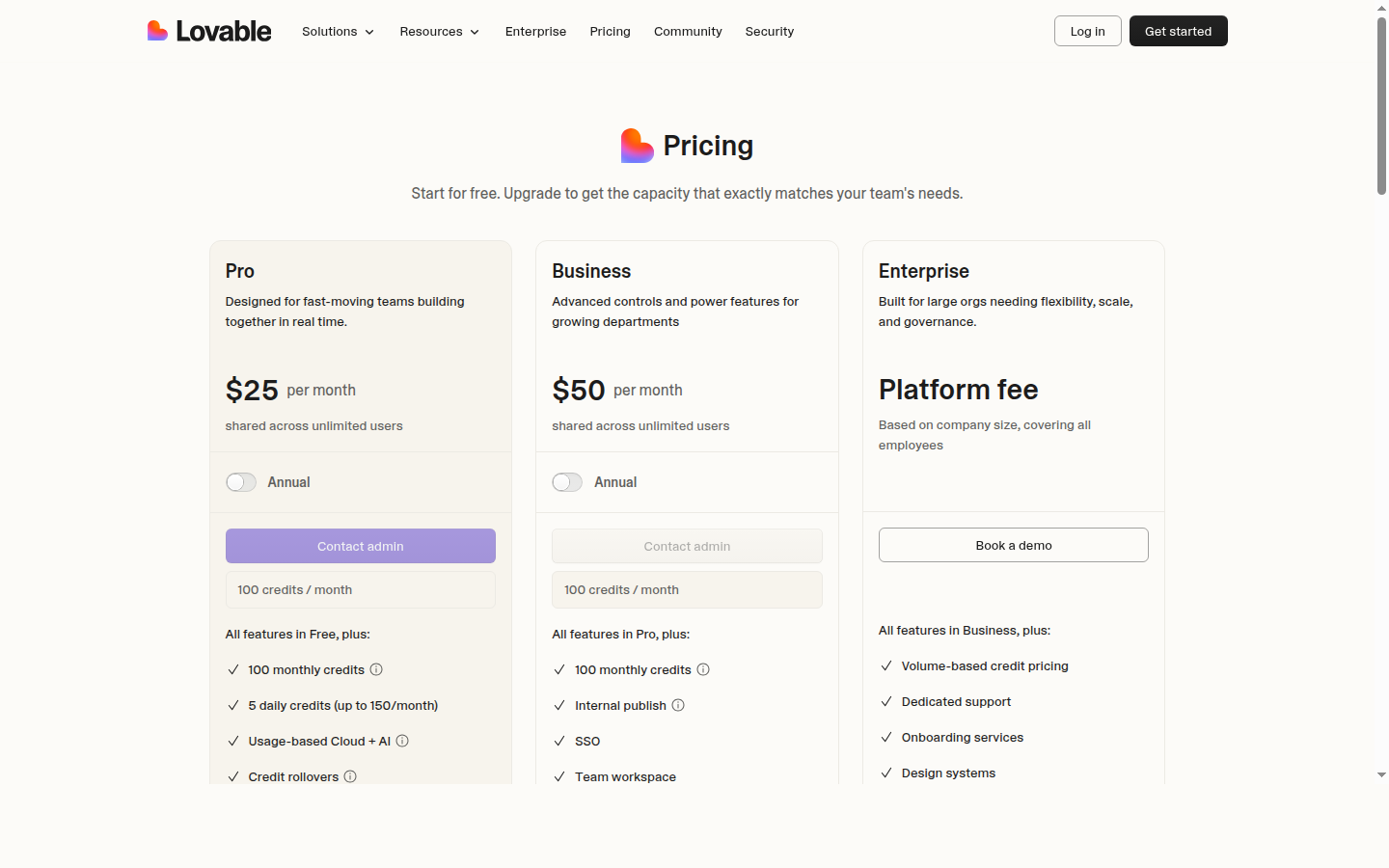
Pricing overview (capture from lovable.dev/pricing):
The spicy reality: When Lovable wins
- A non-engineering founder needs to steer copy and UX while the AI handles the implementation details.
- You want a guided builder rather than a blank repository.
- You're building a SaaS MVP with integrations like Supabase for auth/database, and you want it wired up out of the box.
- Your success metric is time to a credible product mock, not customizing ESLint rules on day one.
Fit for programmatic and large sites
For SEO-driven sites with 500–5,000+ pages, success is less about the first beautiful screen the AI generates and more about templates, data pipelines, internal links, and indexation rules. Any browser-first builder can start the project, but Lovable's strength is in web apps (dashboards, tools) rather than massive programmatic SEO content hubs. If that's your goal, programmatic SEO with AI is purpose-built for the page-generation and internal-linking problem rather than the product-builder problem.
Export quality: Good, but you are buying into their specific stack choices. Migrating a massive Lovable app to a highly custom enterprise architecture later will require some un-weaving.
Cursor: AI-native development in your repo
Cursor is not a "generate a hosted app for me" product. It is an AI-first editor (a fork of VS Code) where chat, multi-file edits (Composer), and agents run against your real filesystem and git history. That distinction matters for teams shipping serious production software.
What the screenshots show
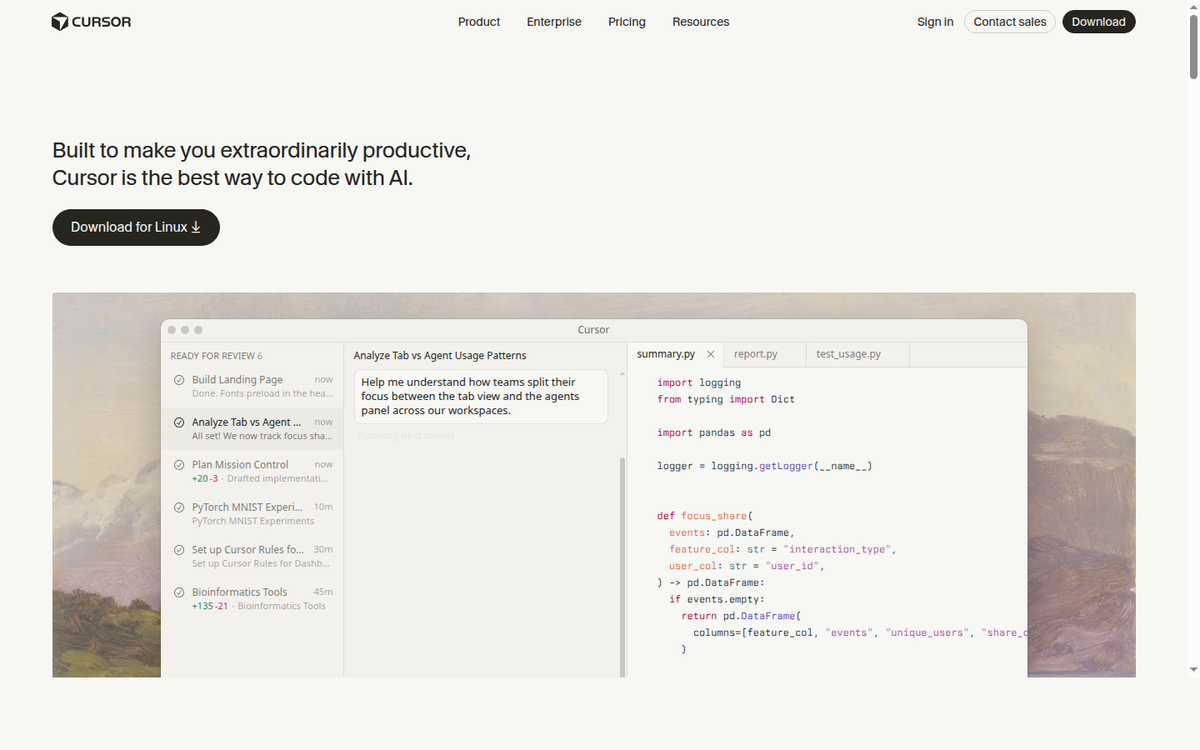
Homepage (capture from cursor.com):
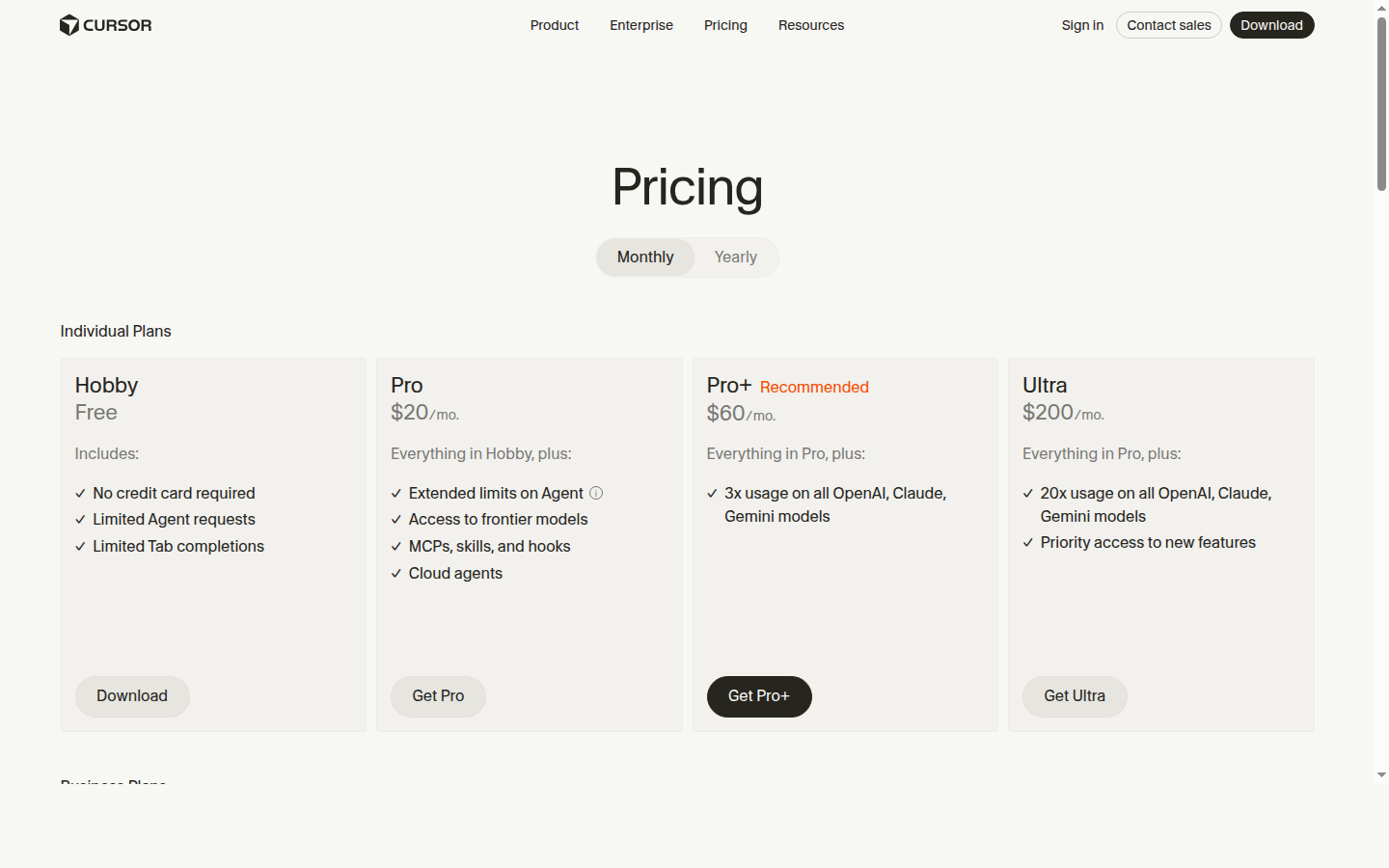
Pricing (capture from cursor.com/pricing):
The spicy reality: When Cursor is the obvious choice
- You already use git, CI, staging environments, and code review.
- You are tuning Core Web Vitals, schema.org JSON-LD, and canonical URLs deep in framework code (like Next.js App Router).
- You need agents to work across many files, migrations, and complex refactors.
- You need the AI to read your entire existing 100,000-line codebase to understand the context of a new feature.
Honest limitation
Cursor does not remove the need for architecture and SEO decisions. It makes executing those decisions faster. If no one on the team owns routing, metadata, and crawl strategy, you can still ship a slow or thin site—just with much better autocomplete. You are responsible for deploying and hosting; Cursor just writes the code.
Head-to-head scenarios
“We need a clickable demo by Friday”
Bias toward Bolt.new or Lovable. The friction is nearly zero, you get a fast shareable URL, and it's easier for stakeholders who do not know how to clone repositories.
“We need a Next.js marketing site that ranks on Google”
Bias toward Cursor (plus your framework of choice). To win at SEO, you will touch layout.tsx, build dynamic sitemaps, inject specific JSON-LD, and manage 301 redirects in code. That work is repo-first by nature. A browser builder will get you the CSS; Cursor will help you build the SEO engine.
“We are a two-engineer SaaS team with an existing monorepo”
Cursor aligns with how you already work. It reads your workspace, understands your custom UI component library, and writes code that matches your style. Browser builders become a parallel track unless you explicitly want a throwaway prototype branch.
“We care about lock-in and ejecting later”
Read each vendor’s export, Git, and deployment documentation closely.
- Cursor: Zero lock-in. It's just an editor editing local files.
- Bolt.new: Extremely low lock-in. You export a standard Vite/Next.js app.
- Lovable: Low/Medium lock-in. You can export, but you're adhering to the stack they curated for you.
How to choose without regretting it in a month
- Name the primary artifact: Is the goal a preview URL to raise funding, a customer-facing product with real users, or merged commits on main?
- Respect the context window: If your project is going to grow beyond 50 files, you will eventually outgrow browser builders. Cursor indexes your entire codebase; browser builders struggle once the app gets too large.
- Price the ongoing cost: Tokens, seats, and usage caps change. Use the official pricing pages linked above when you budget.
- Plan the SEO layer early: If organic search matters, decide who owns titles, descriptions, canonicals, internal links, and schema before AI generates the first page. Do not assume AI knows how to structure your site hierarchy.
FAQ
Can I use Cursor with code that started in Bolt or Lovable?
Yes, absolutely. This is the optimal "graduate" path. Start in Bolt/Lovable to get the MVP built in a weekend. Export or sync the project into a folder, open it in Cursor, and let your engineers take over for the long haul. The practical work is smoothing dependencies, environment variables, and routing so the same app runs locally.
Which tool is best for SEO?
None of them replace SEO strategy. For technical SEO control at scale, a code-first workflow (typically Cursor plus a framework that supports server rendering or static generation like Next.js) is the safest default. Browser builders are viable, but only if you manually ensure the exported stack implements metadata, <h1> hierarchy, and crawl rules correctly.
What models do these tools use under the hood?
As of early 2026, all of these tools route between top-tier frontier models like Anthropic's Claude 3.5/3.7 Sonnet, OpenAI's GPT-4o, and Google's Gemini. They all write great code. The difference isn't the model—it's the context they provide to the model (e.g., your terminal errors, your filesystem, your browser preview).
When to use AiPress: Bolt, Lovable, and Cursor are development tools — you still own the SEO architecture decisions. If your goal is specifically a fast, SEO-optimized marketing or programmatic site rather than a custom app, get a free preview of AiPress, which handles the metadata, schema, and page-generation layer these editors leave to you.
Disclosure: Product features and pricing change. Confirm details on each vendor’s site before you buy. Screenshots were captured on 6 April 2026 at 1440×900 for editorial comparison only.