

Migrating from WordPress to AI-Powered Static Sites: The 2026 SEO Blueprint
For over two decades, WordPress has been the "safe choice" for business websites. It’s familiar, it has a plugin for everything, and almost every developer knows how to use it. But as we move into 2026, that "safe choice" has become a technical anchor for many businesses.
The web has changed. Google’s standards for performance are higher than ever, security threats against PHP-based CMS platforms have reached an all-time high, and the sheer bloat of the average WordPress site is costing businesses thousands in lost traffic and maintenance fees.
Many business owners and marketing directors are now looking at modern alternatives—specifically, AI-powered static websites. But there is one major fear holding them back: The SEO Migration Risk.
"Will I lose my rankings?" "What happens to my 500 blog posts?" "Will my URLs break?"
This guide is designed to eliminate that fear. We will walk you through the exact blueprint for migrating from WordPress to a high-performance static architecture while not only preserving your existing SEO but actually enhancing it through superior technical performance.
How ready are you to migrate off WordPress?
Four quick questions about site size, organic dependency, team capacity, and timeline. You will see where you land on a simple readiness spectrum.
▸Possible results (reference)
- Foundation-building phase (scores 4–7) — Your answers point to real migration upside, but also to sequencing risk. The priority is inventory, redirect planning, and a staged QA plan before you touch DNS.
- Execution-ready (scores 8–10) — You have either meaningful scale or tight timelines — sometimes both. You are close to a safe migration if you keep discipline on redirects, canonicals, and post-launch monitoring.
- High-stakes, high-reward (scores 11–12) — Large surface area, strong organic dependency, or a hard date raises the blast radius. The win is still very achievable with static architecture — but only with enterprise-grade checklists and rollback planning.
Why Migrate? The WordPress Trap in 2026
Before we talk about how to migrate, we need to understand why the move to static is becoming mandatory for SEO-conscious brands.
1. The Performance Ceiling
No matter how many "speed optimization" plugins you install, a traditional WordPress site is still fetching data from a database and rendering pages on the fly. This creates "Time to First Byte" (TTFB) delays that are virtually impossible to eliminate entirely on standard hosting. Static sites, on the other hand, are pre-rendered. There is no database to query. The page is served instantly from a Global CDN.
2. The Maintenance Nightmare
In 2026, a typical WordPress site requires 10-20 plugins to function properly. Each of these plugins is a potential security hole and a source of code conflict. The constant cycle of core, theme, and plugin updates is a "maintenance tax" that adds zero value to your business.
3. The Security Gap
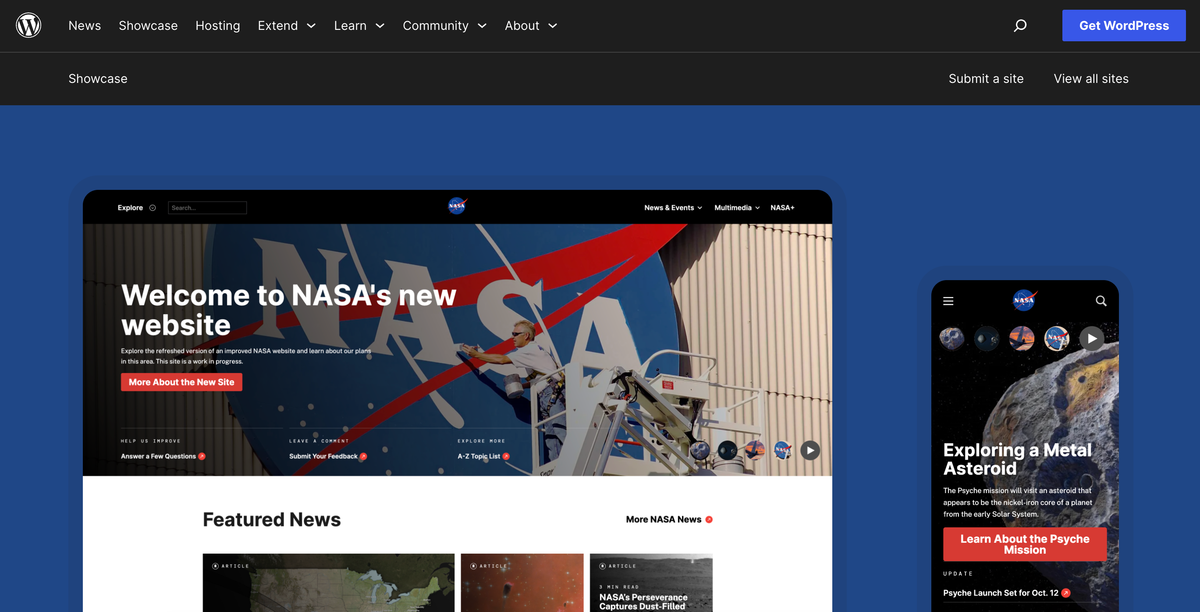
Because WordPress powers nearly 40% of the web, it is the primary target for hackers. SQL injection, cross-site scripting (XSS), and brute-force attacks are constant threats. Static sites have no database and no server-side execution, making them virtually unhackable by traditional methods.
What is a "Static AI" Website?
At AiPress, we define a static AI website as one where the content is managed by intelligent systems but served as pre-built HTML, CSS, and JavaScript.
- Static: The files are ready to go before the user even asks for them. They are hosted on a Content Delivery Network (CDN) like Vercel or Netlify, placing your site physically closer to your visitors.
- AI-Powered: AI is used to optimize the content, generate meta tags, ensure schema consistency, and automatically handle the heavy lifting of technical SEO that used to require manual work or buggy plugins.
The 6-Step SEO Migration Blueprint
A successful migration is 90% planning and 10% execution. Follow these six steps to ensure your transition is seamless.
Rough annual tooling burn (illustrative)
Add your typical WordPress hosting and plugin/tool spend. We multiply by 12 for a simple annual picture — use it as a planning anchor, not an exact invoice.
Results are estimates. Adjust inputs to explore scenarios.
Step 1: The Content Audit and "Weight Loss"
WordPress sites tend to accumulate "junk" over the years—drafts, old tags, thin content pages, and unused media. Before you migrate, you need to decide what is worth keeping.
- Identify Your Winners: Use Google Search Console to find the pages that are actually driving traffic and ranking for keywords. These must be migrated with the highest priority.
- Prune the Dead Weight: If a page hasn't had a visitor in two years and provides no value, don't migrate it. Set up a 301 redirect to a relevant category or your homepage instead.
Step 2: Mapping Your URL Structure (The "No 404" Rule)
This is where most migrations fail. If your WordPress URL was example.com/blog/how-to-fix-ac/ and your new site uses example.com/articles/how-to-fix-ac/, you will lose your rankings unless you tell Google exactly where the page went.
- The Redirect Map: Create a spreadsheet of every single URL on your current site. Map it to the corresponding URL on the new site.
- AiPress Automation: Our AI website migration process is built to handle WordPress URL patterns natively, often allowing you to keep the exact same structure, which is the "Gold Standard" for migration.
Step 3: Preserving and Enhancing Metadata
You must ensure that your Title Tags and Meta Descriptions don't change during the move.
- The SEO Export: Export your metadata from Yoast or RankMath.
- The AI Cleanup: This is an opportunity to improve. Our AI tools can analyze your current meta tags and suggest improvements based on 2026 search trends while maintaining the core keywords that are currently driving your rankings.
Step 4: Image Optimization and Alt Text
WordPress is notorious for "image bloat." Large, unoptimized images are the #1 reason for slow load times.
- Format Modernization: During the migration, all your old JPEGs and PNGs should be converted to modern formats like WebP or AVIF.
- Alt Text Recovery: Many WordPress sites have missing alt text. AI can scan your images and generate descriptive, SEO-friendly alt text that matches the context of the page.
Step 5: The "Technical Lift" (How AiPress Does It)
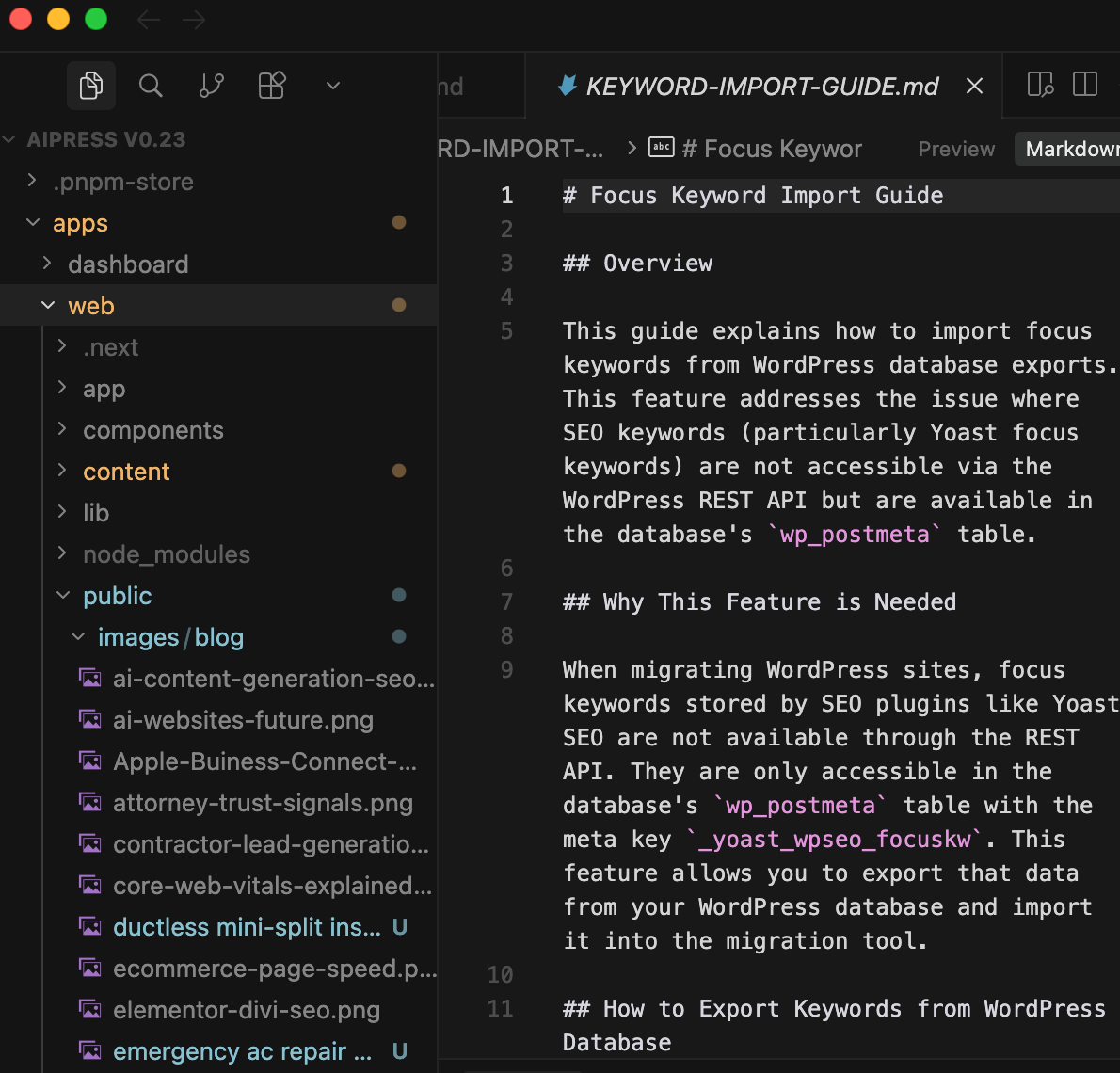
This is the stage where the content actually moves. Instead of manually copy-pasting, we use automated scripts to pull your content from the WordPress REST API or a WXR export.
- HTML Cleaning: WordPress adds a lot of "messy" HTML (inline styles, empty tags). The migration process should "strip" this down to clean, semantic HTML5.
- Internal Link Verification: We scan your content to ensure that every internal link is updated to the new structure. No broken links allowed.
Common WordPress Migration Myths Debunked
Even with a clear blueprint, several myths often persist about moving away from WordPress. Let’s address them directly.
Myth 1: "I need plugins to do SEO."
Many believe that without Yoast or RankMath, their SEO will suffer. In reality, these plugins simply provide an interface to edit metadata and generate XML sitemaps. A well-built static site handles these features natively at the code level, often more efficiently than a plugin ever could.
Myth 2: "Static sites are only for simple websites."
While static sites were once limited, modern "headless" architectures and static generators can handle complex functionality including search, forms, e-commerce, and dynamic content—all while maintaining the speed and security of static files. This is also true at page-count scale: programmatic SEO with AI generates thousands of location or service pages on the same static architecture without reintroducing WordPress-style bloat.
Myth 3: "It’s too hard to update content."
In 2026, you don't need to be a coder to update a static site. Modern headless CMS interfaces or AI-driven management tools (like AiPress) provide a user-friendly dashboard that feels just like WordPress, but without the underlying technical debt.
Below is a short checklist our team uses on complex WordPress exits — especially when URL patterns, media paths, or staging parity trip people up.
Step 6: Testing & QA (The Pre-Flight Checklist)
Once the new site is live, the work isn't done. You need a rigorous verification process to ensure no "SEO leak" is occurring.
- Verify Redirects: Use a crawler like Screaming Frog to ensure every 301 redirect is working correctly. A single "looping" redirect or a 404 on a high-traffic page can negate months of ranking progress.
- Check Canonical Tags: Ensure every page points to its correct, primary URL. This prevents duplicate content issues that can arise during the transition.
- Submit a New Sitemap: Tell Google immediately that your site structure has updated by submitting your new XML sitemap via Search Console.
- Monitor Search Console: Watch for any spike in 404 errors or a drop in "Core Web Vitals." With a static site, you should see your vitals move into the "Green" (90+) range immediately, which is a powerful signal to Google.
- Check Schema Consistency: Use the Schema Markup Validator to ensure your LocalBusiness, Article, or Product schema was successfully transferred and is error-free.
The "After" Effect: The Speed-Rank Correlation
What happens once you move from a 6-second WordPress site to a 0.5-second static site?
In 2026, Google's "Page Experience" signals are a primary tie-breaker. If you and your competitor have equally high-quality content, but your site loads instantly and theirs doesn't, you win the top spot.
We typically see three distinct shifts happen after a move to static:
- Lower Bounce Rate: Users have zero patience for loading screens. When a page appears instantly, they are far more likely to stay and read.
- Higher Pages Per Session: Because navigating between pages is now instant, users tend to click on more of your internal links, consuming more content and deepening their relationship with your brand.
- Improved Rankings for Competitive Terms: The improved technical signals—specifically LCP and CLS—often give existing content the "push" it needs to move from the middle of page one to the coveted top three spots. This is especially true in competitive verticals like Legal, HVAC, and Financial Services.
Case Study: From "Slow and Vulnerable" to "Instant and Secure"
We recently worked with a mid-sized law firm that was spending $400/month on "Managed WordPress Hosting" and another $200/month on security monitoring and plugin maintenance. Despite this, their site had a mobile PageSpeed score of 22/100.
The Migration: We moved their 150 pages of content to an AiPress static architecture. The Result:
- Speed: Mobile score jumped from 22 to 98/100.
- Cost: Their monthly hosting/maintenance bill dropped by 75%.
- SEO: Within 60 days, they saw a 40% increase in organic leads, primarily because their high-intent practice area pages were finally loading fast enough for mobile users to convert.
Your migration blueprint — track progress
Track your progress
Progress is saved in this browser until you clear site data.
Conclusion: Stop Paying the "WordPress Tax"
Migrating your website is a big decision, but staying on an outdated, slow platform is a bigger risk. In 2026, your website is your most valuable business asset. It shouldn't be a source of stress, security alerts, or slow-loading pages that drive your customers into the arms of your competitors.
The transition to an AI-powered static site is the last migration you will ever need to do. Once your content is decoupled from a bloated CMS, it is future-proof, lightning-fast, and ready to dominate the search results.
When to use AiPress: This blueprint is what our team runs internally. If you'd rather not staff the redirect mapping, metadata cleanup, and QA steps above yourself, our AI website migration service executes this exact process for you.
Ready to see what your site would look like without the WordPress bloat? Get a free migration preview today and see your speed scores transform instantly.
Ready to transform your WordPress site?
Get a free preview of your site as a fast, modern site.
Free preview