
Interactive SEO Tools for Service Businesses: When a Calculator Beats Another Blog Post
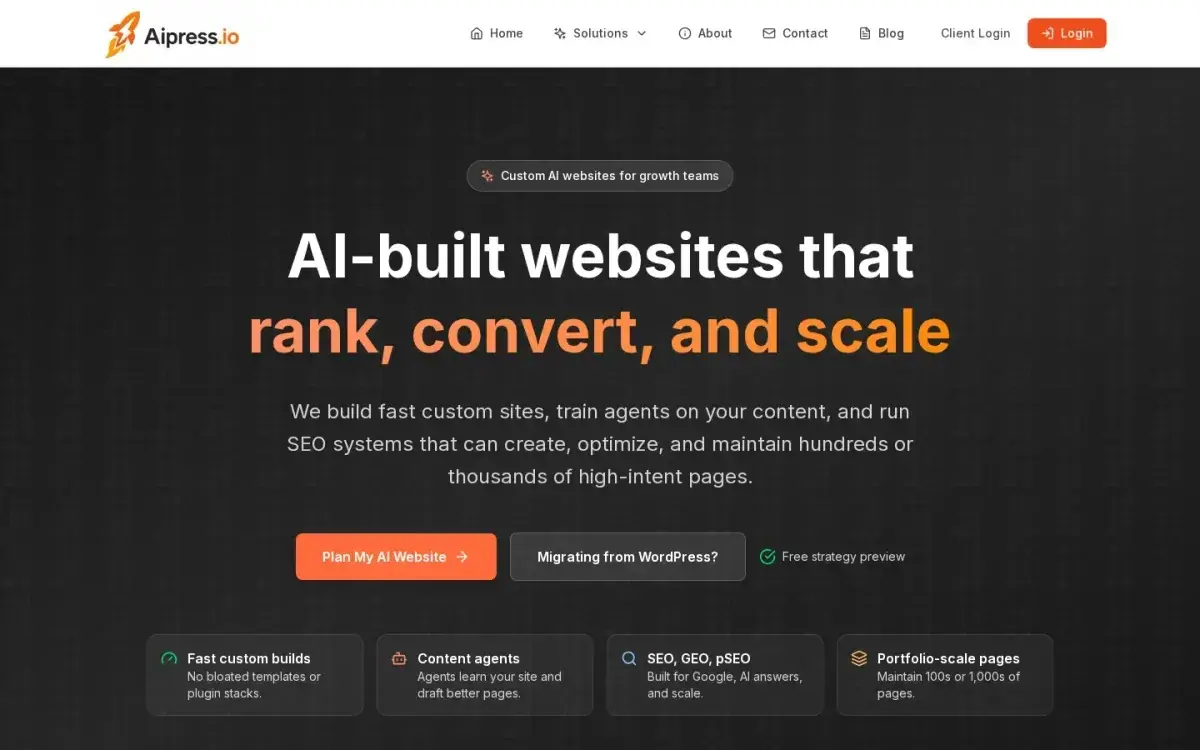
 AiPress frames growth as a system problem: custom pages, content agents, and SEO infrastructure that can scale together instead of acting like separate tactics.
Interactive SEO tools matter when the searcher does not want more explanation. They want help doing math, comparing options, checking readiness, or getting a faster answer than a generic article can provide.
That is the real dividing line.
A blog post is still the right format when the reader needs context, nuance, and education. But if the query itself sounds like a task - "calculator," "estimator," "checker," "grader," "compare," "how much," "am I ready" - the better page is often a tool that does some of the work for them.
That is also why this topic fits AiPress so well. On its Programmatic SEO page, the company now gives Interactive SEO Tools & Calculators its own lane, separate from broader pSEO messaging. And on the dedicated interactive-tools page, the pitch is not "make content more fun." It is much more practical: build calculators, estimators, analyzers, and comparators that give people immediate value.
Google's people-first content guidance is a useful lens here. The company says content should be created to benefit people, not to manipulate rankings, and should leave someone feeling they learned enough to achieve their goal. Sometimes the most helpful answer is a well-written article. Sometimes it is a page with inputs and outputs.
Why some searchers need a tool, not another explainer
The fastest way to waste content budget is to answer a task query with a lecture.
If someone searches for:
- an SEO ROI calculator
- a quote estimator
- a grading tool
- a comparison tool
- a readiness checklist with scoring
they are not asking for 1,800 words of theory before they get to the answer. They are asking for a way to test their own situation.
This is where many content programs stall. They keep publishing explainers because explainers are familiar. But a post that says "here is how to estimate X" is not the same as a page that actually estimates X.
AiPress makes that distinction clearly on its interactive-tools page: traditional content tells people what to do, while a tool helps do part of the work for them. That is a stronger match for high-intent searches because the value shows up on the page itself, not only in the copy around it.
Google's own self-assessment questions reinforce the same point. It asks whether a page provides original information or analysis, adds substantial value beyond rewriting other sources, and leaves people with a satisfying experience. A useful calculator can absolutely meet that bar. A generic article wrapped around a task keyword usually does not.
What counts as an interactive SEO tool
AiPress groups four tool types together on the live page:
- Calculators for estimates and projections
- Generators for producing a usable output
- Analyzers for grading or auditing something
- Comparators for helping someone choose between options
That is a better frame than thinking only about "calculator pages."
For service businesses, common tool ideas look like this:
- SEO ROI calculator
- local SEO budget estimator
- website speed impact estimator
- lead-value calculator
- homepage quality grader
- content overlap checker
- service-area coverage planner
- feature or package comparator
The right question is not "Can we build a tool?" The right question is:
What decision is the user trying to make, and can we shorten that decision with a small amount of interaction?
NN/g's research on calculators is useful here because it describes how people actually use these pages. In its calculator expectations study, NN/g says calculators are usually self-contained tools on one page with a limited number of inputs, and that people approach them in an exploratory way to build a mental model. That is exactly why tool pages can work so well near the middle or bottom of the funnel: they reduce uncertainty faster than prose alone.
 The AiPress pitch is not novelty for novelty's sake. The page emphasizes utility, trust, and the ability to adapt one useful tool into multiple intent-specific versions.
When a calculator beats a blog post
Here is the simplest decision rule I know:
| If the visitor needs... | Build this first |
|---|---|
| explanation, context, and tradeoffs | blog post |
| a number, score, estimate, or projection | calculator / estimator |
| a diagnosis or audit-style output | analyzer / grader |
| help choosing between options | comparator |
| both education and action | tool page with supporting content |
In practice, a calculator tends to outperform another blog post when three conditions are true.
1. The query implies a personalized output
Searches with modifiers like calculator, estimator, checker, or grader are the obvious cases. But there are softer versions too:
- "how much SEO budget do I need"
- "is my website too slow"
- "how many location pages should I build"
- "what is my lead worth"
Those are still output-seeking queries. A post can support them, but the core value is calculation or diagnosis.
2. The answer changes with user inputs
If the right answer depends on business model, service area, budget, team size, close rate, or traffic assumptions, the page should probably accept inputs instead of pretending one static answer fits everyone.
That is also why NN/g warns that users expect better personalization when they provide more information. If the tool collects inputs but gives shallow results, people feel the page wasted their time.
3. The result is easier to trust when methodology is visible
This is a subtle but important point.
People do not trust outputs just because you say "AI-powered" or "smart." They trust outputs when the logic feels legible. AiPress makes room for that on the tool-page anatomy it describes: the interface, the surrounding explanation, and the methodology all matter. Google says something similar in a broader way through its "Who, How, and Why" framework: readers should understand how content was created and why it exists.
So yes, a calculator can beat a post - but only if it does real work and explains itself.
What makes a tool page useful instead of gimmicky
The gap between a useful tool and a lead-gen prop is usually obvious within seconds.
NN/g's design recommendations for calculator tools are especially relevant for SEO teams because they map almost perfectly to searcher expectations.
It loads fast and appears where the user expects it
NN/g says users prefer calculators embedded on relevant pages rather than hidden in popups or awkward detours. That matters for SEO because tool-intent users often land straight from search results and want to start immediately.
If the tool is slow, delayed, or hidden below a maze of intro copy, the page has already broken its promise.
It asks only for inputs that improve the answer
Users will provide information if the benefit is clear. They resent questions that feel nosy, premature, or irrelevant.
That means every field on the page should answer one of two questions:
- Does this materially improve the result?
- Does this help explain the result in a way the user can act on?
If not, it is friction.
It shows results on the page
This is one of the clearest takeaways from NN/g: people do not want to finish a calculator and discover they must hand over contact information just to see the result.
AiPress's own FAQ on the interactive-tools page makes the same point in more commercial language: give away the core value first, then offer an advanced report or consultation after the user sees enough to care.
That is the right pattern.
It explains the output, not just the number
A strong tool page should answer:
- what the result means
- what assumptions shaped it
- which inputs mattered most
- what the visitor should do next
That surrounding explanation is not filler. It is the part that makes the page citeable, shareable, and trustworthy.
How to add methodology and lead capture without killing trust
Most tool pages fail here, not in the interface itself.
They either over-gate the experience and kill usefulness, or they expose a raw result with no context and leave the user unsure what to do with it.
AiPress describes a better structure for a high-converting tool page:
- the tool interface
- value-add content
- lead capture integration
- programmatic variations
That order matters.
Start with immediate value
Give the visitor a usable result on the page. NN/g's research says people approach calculators in an exploratory, low-commitment state. They want to test assumptions, not enter a sales funnel before they know the page is worth trusting.
Add a visible methodology block
This is where many SEO tool pages can separate themselves from junk.
Explain:
- the formula or logic in plain English
- the assumptions behind defaults
- what the tool does not account for
- where the benchmarks came from
Google's people-first guidance asks whether content presents information in a way that makes people want to trust it, with clear sourcing and evidence of expertise. On a tool page, methodology is part of that trust layer.
Offer deeper help after the result
Once the user sees the output, then you can offer:
- a downloadable report
- a personalized review
- a consultation
- a page preview
- a follow-up checklist
That is why AiPress's own free homepage preview flow is interesting in this context. The page stays low-friction: email, website URL, optional name, and no credit card. It feels like a continuation of the analysis, not a bait-and-switch.
 The opportunity is not just "build a cool widget." It is to turn a tool into a page type that matches specific search intent and can scale without collapsing into thin content.
How programmatic variations turn one tool into a scalable page system
This is the part many teams miss.
One useful tool is valuable. One useful tool adapted to multiple real audiences is a system.
AiPress says a core calculator can power multiple industry-specific or niche-specific pages by changing the surrounding benchmarks and context. That matches the broader pSEO logic on its programmatic SEO page: define the templates, data, and rules first, then generate useful page variations from that foundation.
The important word is useful.
If you only swap the keyword and city or industry name, you do not have programmatic SEO. You have doorway-page risk with a nicer interface.
Real variation usually means changing:
- defaults
- examples
- benchmarks
- assumptions
- CTA language
- internal links
- FAQs
For example, one ROI calculator might branch into:
- SEO ROI calculator for law firms
- SEO ROI calculator for restoration companies
- SEO ROI calculator for plumbers
- SEO ROI calculator for financial advisors
The math engine may stay mostly the same, but the surrounding page should not. Different industries care about different lead values, sales cycles, proof points, and next steps.
That is where a strong page system beats "one calculator page" thinking.
What to measure after launch
Tool pages are easy to romanticize, so measurement has to stay blunt.
Google's Search Console Search Analytics documentation is the cleanest authority source here because it explains that you can query performance by page, query, and device and review clicks, impressions, CTR, and average position.
That gives you a practical scoreboard:
1. Query fit
Are you earning impressions and clicks for the tool-intent phrases you built for?
If the page targets calculator or estimator intent but mostly earns impressions for vague informational queries, the format may be misaligned.
2. Page-level CTR
Tool pages should usually earn curiosity clicks when the SERP promise is clear. If impressions grow but CTR stays weak, the title and meta description may not make the utility obvious enough.
3. Completion behavior
This is your own analytics layer, not a public benchmark question:
- Do visitors reach the tool?
- Do they finish it?
- Do they adjust inputs and keep exploring?
If not, the page may still be acting like a blog post with a token widget attached.
4. Assisted lead quality
The best tool pages do not just generate more leads. They generate leads that are better pre-qualified because the visitor has already expressed assumptions, constraints, or intent through the interaction.
That is why "value first" matters so much. A tool should clarify demand before sales touches it.
FAQ
Should every service business build an SEO calculator?
No. Build a tool only when the query and decision genuinely benefit from user inputs or a personalized output. If the visitor mostly needs explanation and trust-building, a strong article or landing page may be the better first asset.
Are calculators only useful for big SaaS companies?
Not at all. Service businesses often have strong tool opportunities because customers are trying to estimate cost, readiness, urgency, savings, or fit before they talk to someone.
Do I need to gate the results to get leads?
Usually not. Both NN/g research and AiPress's own tool-page guidance point toward showing core results first, then offering a deeper report, review, or consultation after the value is visible.
What makes a tool page rank instead of feeling thin?
The tool has to do real work, and the page needs methodology, context, and a clear reason to exist. Google's people-first guidance is still the standard: original value, helpful experience, visible trust signals, and a page that actually helps someone complete the task behind the query.
Next steps
If your team keeps publishing "tips" posts for queries that really want outputs, it may be time to change formats instead of writing harder.
Start with one tool where:
- the search intent is obvious
- the inputs are simple
- the result can be explained clearly
- the CTA after the result is genuinely helpful
Then decide whether that one page should stay standalone or become the seed for a larger programmatic system.
AiPress is already building around that operating model: interactive tools as useful search assets, plus the infrastructure to turn one strong page type into many intent-matched variations. If that is the direction you want to test, start with the interactive-tools approach, then request a free homepage preview when you are ready to see how the surrounding system could work on your own site.
 Low-friction next steps work best after the page has already delivered something useful. Show value first, then offer the deeper review.
Benchmarks and projections should reflect your own data and methodology. Treat any calculator output as a decision aid, not a substitute for verifying the assumptions behind your offer.